
Works with Zoom, Google Meet, Teams, and Webex
The meeting assistant that helps during the call, not after it
Verve AI listens to your meeting and puts answers, talking points and notes on your screen while you talk. Works with Zoom, Google Meet, Teams and Webex.
How it works
Show up, talk, walk away with the write-up
Add your context
Upload the agenda, your notes, your resume or the job description. Answers are built on your material









Open it beside the call
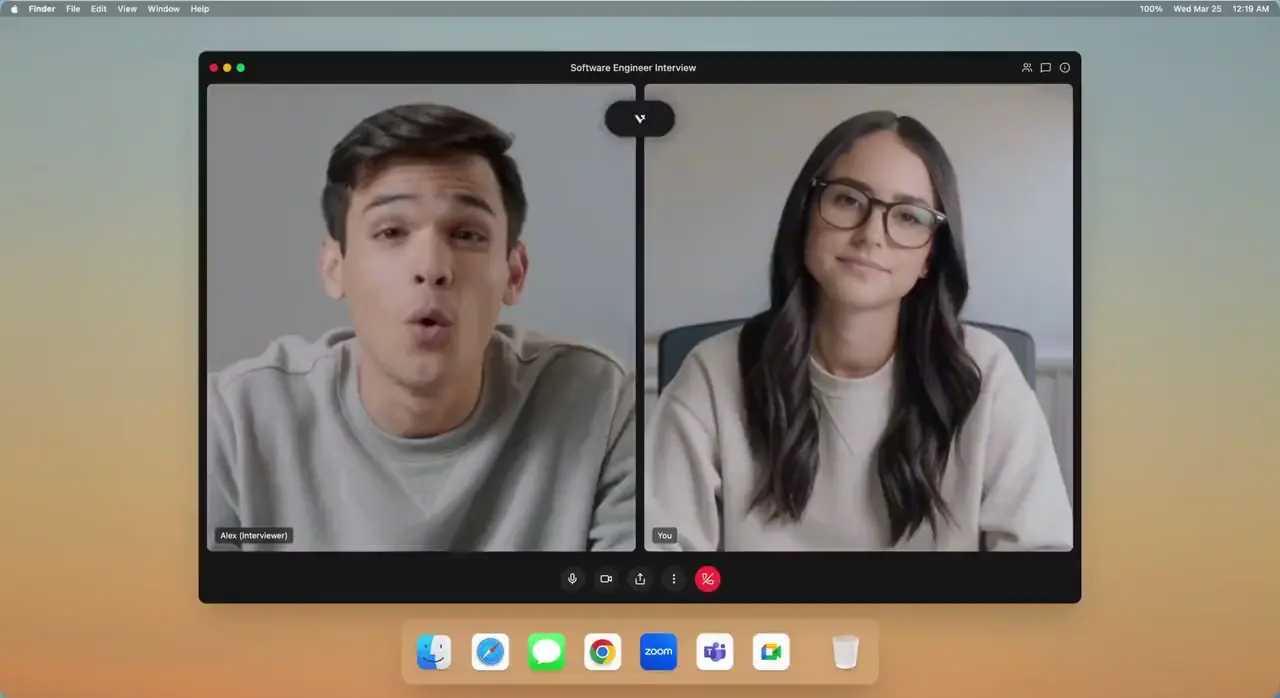
Verve AI listens to the meeting on Zoom, Meet or Teams and shows suggestions on your screen as people speak
Leave with the write-up
A summary, the decisions, the action items, and a report on how you came across
Built for the calls that matter
One assistant for every kind of conversation

Features
What Verve AI does on a call




Answers in real time
Ask, or let it catch the question, and the answer lands on your screen, not on the call
Knows your context
Feed it the agenda, your notes, your resume or the job description and every session gets sharper
Notes you did not have to take
Every call becomes a summary, the decisions and a clear list of action items
Works on all platforms
Browser or desktop app, with Zoom, Google Meet, Teams and Webex
55+ languages
Meeting in a second language? Transcription and suggestions work in yours
Why choose us?
Why people choose Verve AI
Supported Languages
55+
Bots On The Call
0
FAQ
Questions about Verve AI?
What is Verve AI?
A real-time meeting assistant. It listens to your call, answers questions and suggests talking points on your screen while you talk, then writes the summary and action items when you hang up.
Does it join the meeting as a bot?
No. Verve AI runs on your device and uses your computer audio, so it does not invite a bot to the call.
What can I ask during a call?
What a number was, what you agreed last time, how to answer the question that was just asked, or whether a claim holds up. The answer appears on your screen, not on the call.
What kinds of conversations is it built for?
Client and sales calls, team meetings and technical discussions. For job interviews, Verve AI offers interview coaching: mock interviews built on your resume and a report after each one.
Is there a free plan?
Yes. The free plan includes live sessions and mock sessions with no credit card. Upgrade when you need longer or unlimited sessions.
What about recording rules?
Recording and transcription rules vary by place and workplace. Follow the rules that apply to your meeting, and read our responsible usage page for how we think about it.
Which languages are supported?
Transcription and suggestions work in 55+ languages. The interface is available in English, French, Spanish, Japanese and Chinese.

Know what to say while the call is still going
Start for freeAvailable on browser, Mac, Windows and iPhone